
One-click connection from the menu bar
The VPN Ninja icon lives in your menu bar: connection status is always in sight, and switching servers takes a couple of seconds. No separate window to keep open, no digging through System Settings.
VPN Ninja for macOS is not a web wrapper — it's a native Mac App Store app: quick access from the menu bar, dark and light themes, six interface languages. Under the hood are the same servers up to 1 Gbps as on iPhone.
Available for iPhone, iPad and Mac
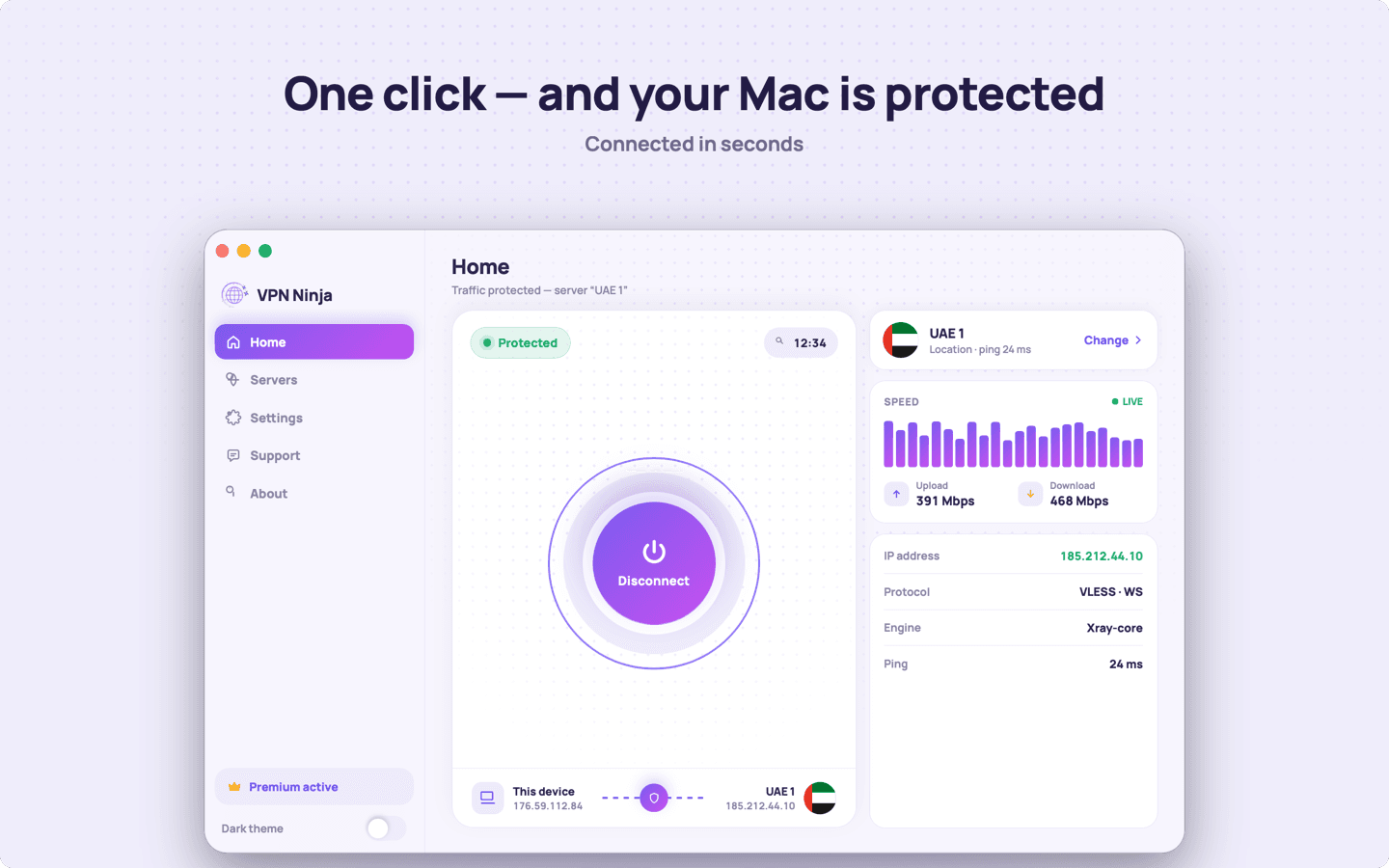
The VPN Ninja icon lives in your menu bar: connection status is always in sight, and switching servers takes a couple of seconds. No separate window to keep open, no digging through System Settings.
In settings you can pick the engine — sing-box or Xray-core — and the protocol: VLESS (Reality, TCP, WebSocket) or Trojan. By default the app chooses a working combination itself, so the switches are there only for those who like control.
The subscription is billed through the App Store and tied to your Apple ID. If you already have premium on iPhone, sign in with the same Apple ID on your Mac and restore purchases — no extra charge.
Download it from the Mac App Store and connect in a minute. One subscription for all your Apple devices.
Download on the Mac App Store